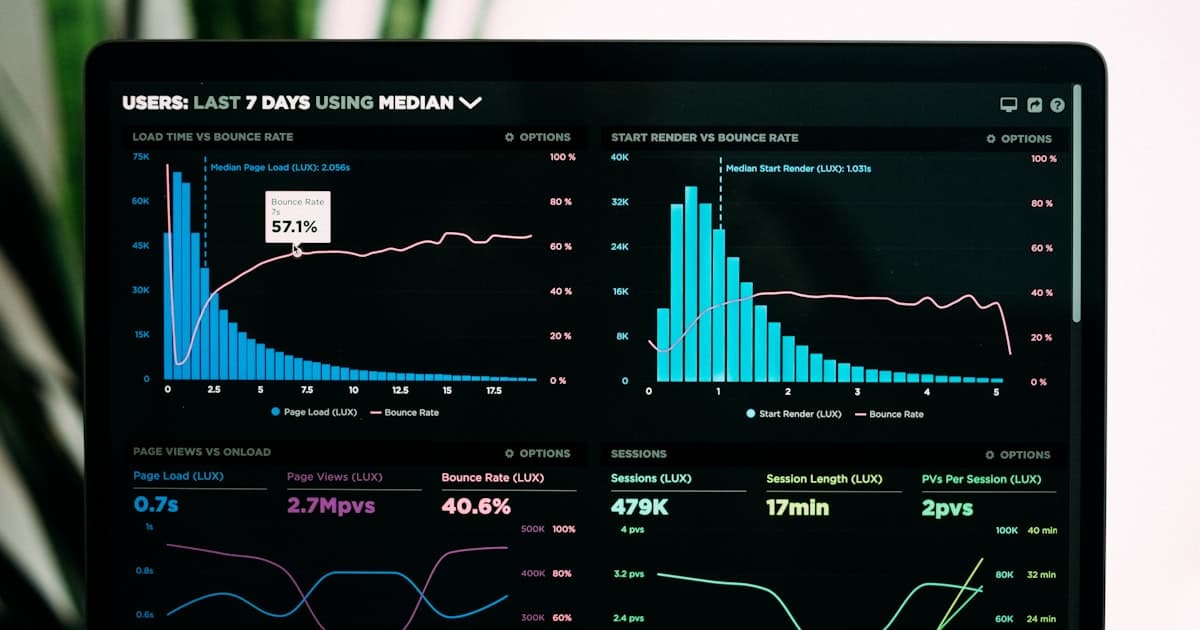
Collaboration platforms, room devices, calendars, and the help desk each hold part of the AV record.
This data will not make decisions for you, but it can replace guesswork in AV budget conversations.
What the data can tell you
Room utilization vs. booking rate. Calendar bookings show how often rooms are reserved. Occupancy sensors or platform analytics show when they are used. Measure the gap for each room instead of applying a portfolio assumption. Ghost bookings can inflate demand forecasts.
Peak hours and patterns. Chart room use by hour and day. The local pattern helps you decide whether the constraint is room count, room type, or scheduling.
Room type mismatch. A large conference room repeatedly used by small groups may point to insufficient huddle rooms or a quality problem in smaller rooms. Analytics show which room types people use and which ones they avoid.
Call quality metrics. Teams and Zoom both provide detailed call quality data: packet loss, jitter, frame rate, audio quality scores. When a specific room consistently shows poor metrics, that's a targeted maintenance issue, not a platform problem. When multiple rooms in the same building show degraded quality at the same time, that's a network issue.
Device health. Modern room systems report firmware versions, availability, peripheral status, and error logs. Repeated disconnects should create a ticket before a meeting fails.
Turning data into budget decisions
Right-size your portfolio. Identify the rooms that remain underused across a representative period. Repurpose, reconfigure, or decommission them only after checking location, room quality, and booking behavior.
Justify investments with evidence. Name the rooms, meeting demand, call quality, device faults, and ticket volume behind the request. Compare rooms only when they have similar use and configuration.
Predict failures before they happen. Devices with increasing error rates, deteriorating performance metrics, or approaching end-of-support dates can be proactively replaced during planned maintenance windows instead of emergency weekend service calls.
Validate vendor SLAs. Compare the contracted availability and response terms with measured room status and ticket timestamps. Resolve differences from the underlying events, not a vendor summary.
Getting started
Start with the data already available:
The first step is consolidation. Put utilization, quality metrics, and support tickets in one view keyed by room.
The monthly review
Establish a monthly AV operations review that looks at:
1. Room utilization trends (are we over- or under-provisioned?)
2. Quality metrics by room type and location (where are the problems?)
3. Support ticket volume and categories (what's driving help desk load?)
4. Device health and upcoming end-of-life dates (what needs attention?)
Keep the review short enough to make it routine. Assign each exception to an owner and a queue, then check whether the next review shows the ticket closed or the risk accepted.